Zebra Code: One thread, one session
Zebra Code turns a Slack thread into a Claude Code session on the engineer's own box. The team can watch it work and answer its questions, from a desk or a phone.
Our team at Skool started adopting AI in December 2025. I started working on Zebra Code in September 2026, and a few of our engineers built it with me. This post is how it works, starting with the thread itself.
@Zebra Code in web, the checkout test flakes on CI about one run in ten. Find out why and fix it.
@Maya Chen one command needs you.
pnpm exec playwright install chromium
-  await sleep(500)
+  vi.useFakeTimers()
+  await vi.advanceTimersByTimeAsync(500)
+  await payment.settled
Most engineering conversations at Skool already happen in Slack threads, so that's where we put Claude Code.
The open-laptop walk
In May 2026, Business Insider reported on AI coders carrying half-open laptops through airports, offices and ice rinks. Closing the lid puts a laptop to sleep, and the coding agent on it stops mid-task. The carries even have names, such as the taco and the clamshell.
We built Zebra Code so Claude keeps working without anyone doing that walk. The session runs on the engineer's own EC2 box, and the laptop is only a window onto it. Here's one long task, followed through a day:
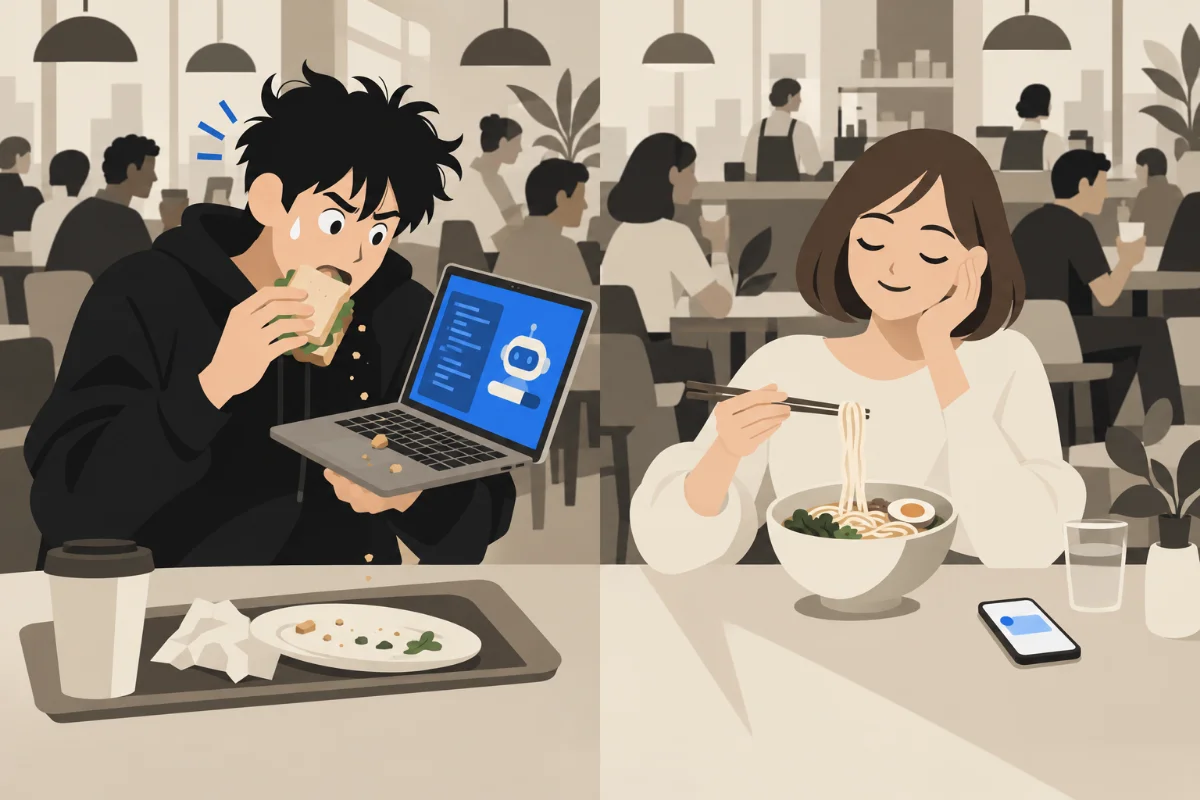
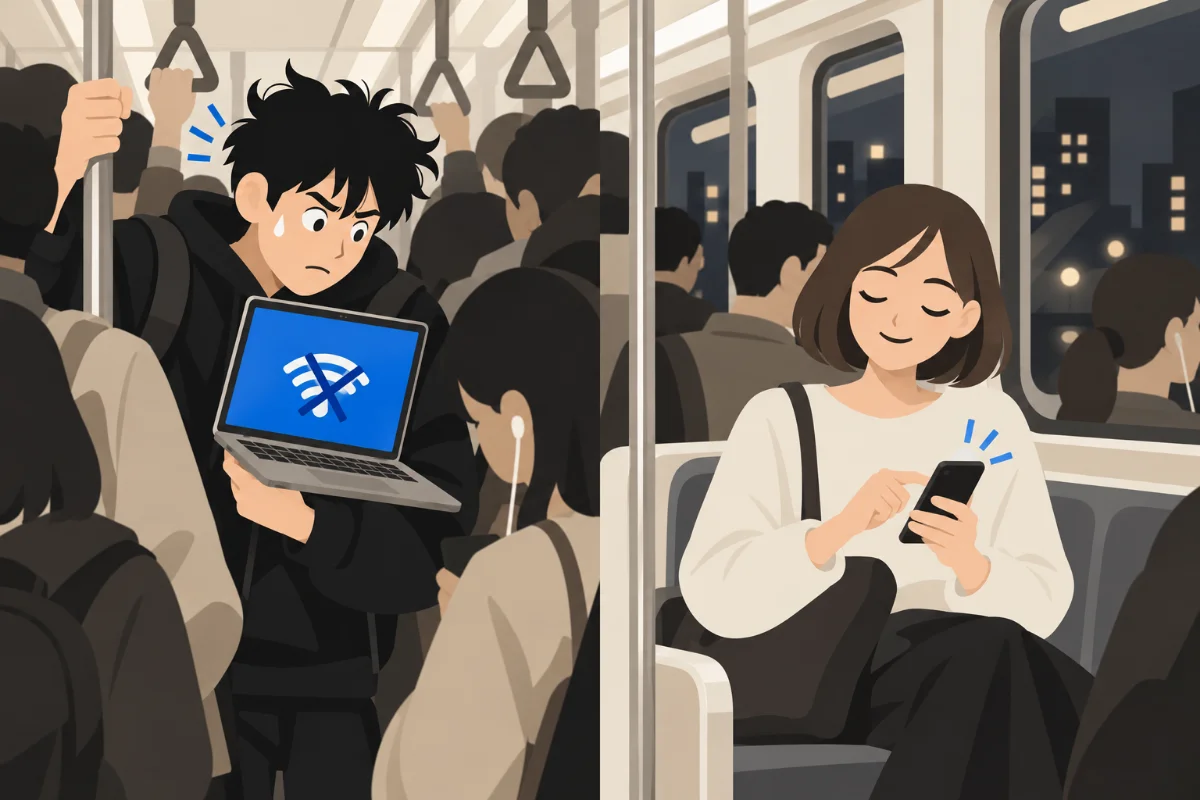

 Claude Code on the laptopWith Zebra Code
Then try it: close both lids.
pnpm test:e2eWhy Slack
Claude Code in a terminal suits one engineer at a keyboard, and our work rarely looks like that. The conversation about a change happens in a Slack thread. The session making the change sits in one person's terminal, where nobody else can see it.
A long task stops when the laptop lid closes. A permission prompt waits until its person is back at the keyboard. And five tasks at once means five terminals and five branches to keep apart.
A Slack thread already has what those sessions lack. The whole team can read its history, a mention finds the right person, and it follows each engineer to their phone. So Zebra Code makes each thread a full Claude Code session. It runs the same CLI as the terminal, with the same tools, models, permission modes, MCP servers, skills and hooks.
A thread, start to finish
The thread at the top of this post goes through five steps.
- A session starts. Zebra Code reads the repo from the message, cuts a fresh worktree from the default branch, and gives the thread its own Claude Code process.
- The team watches it work. One activity message shows each thinking step and tool call as it happens, and Claude Haiku rewrites a one-line summary every 20 seconds. A reply sent mid-turn reaches Claude right away, like typing into a terminal.
- When Claude needs a decision, the owner taps. A command the permission mode doesn't allow posts Allow, Always and Deny buttons and mentions the owner. A question gets a button per answer, and a plan waits for Approve.
- Claude pushes its own branch and opens the pull request. Its answer links the transcript and the diff, and ends with the turn's cost and duration.
!doneends the session and removes the worktree. If the worktree holds unsaved work, it asks first.
The thread's first message also shows the session's state, so a busy channel shows at a glance which sessions are waiting on someone:
- Working
- Background
- Needs you
- Ready
- Done
Bang commands steer a thread without leaving Slack. !stop interrupts a turn, and !config switches the model, the permission mode or the effort. !repo moves the thread to another repo, and !clear starts the conversation over.
Teammates join in the way they would in any thread. They read along, and if one of them asks for something, the request becomes a card the owner can accept or decline. !handoff passes the thread to a teammate, who picks up the same conversation on their own box.
A server and a worker
Zebra Code is one Go binary with two roles: a server and a worker.
The server holds the Slack app. It gets Slack's events over Socket Mode, an outbound WebSocket, so nothing listens on the internet. It keeps people, workers and threads in its own storage layer and routes each thread to its owner's worker. If a worker is offline, its messages wait there for 24 hours.
A worker runs one person's sessions. It holds one WebSocket to the server over our private network, and it never has the Slack token. Every Slack Web API call it makes goes through the server, which passes on only calls for threads that worker owns.
Each session is the stock claude CLI. The worker starts one process per thread with stream-json in and out. It answers the CLI's control protocol for permission requests, hooks and in-process MCP tools, which is the same protocol the Agent SDK speaks.
Decisions we made
Every engineer gets their own box. A shared machine would need one GitHub token for everyone, plus walls between people's sessions, and a box per person needs neither. Every commit and PR carries the engineer's own identity.
A new thread starts in whichever repo its first message names, with no setup. On an EC2 box, a long task keeps running with the laptop closed. A worker also runs on a Mac or Linux laptop, as a launchd agent or a systemd user unit.
There isn't much to run. Server and worker are one Go binary with seven direct dependencies. State lives in an embedded storage layer, so there's no database server, queue or cache to run.
Making a thread act like a terminal
We had to solve five problems to make a Slack thread behave like a terminal. Pick one:
Asks become buttons
Claude Code's stream-json mode pauses inside a tool call and asks its host for a decision. The worker is that host. It parks the request, posts the buttons, and writes the answer back on the tap.
# claude → worker, one line on stdout
{"type":"control_request","request_id":"7",
 "request":{"subtype":"can_use_tool","tool_name":"Bash",
  "input":{"command":"pnpm exec playwright install chromium"},
  "tool_use_id":"toolu_01"}}

# worker → claude on stdin, once Maya taps Allow
{"type":"control_response",
 "response":{"subtype":"success","request_id":"7",
  "response":{"behavior":"allow","updatedInput":{…},"toolUseID":"toolu_01"}}}
Nothing reads a terminal screen, because every tool call, ask and answer arrives as JSON. The answer can come from Slack, the app's Inbox or the lock screen, and the first one wins. Always remembers the choice for the threads after it. An ask nobody answers in 2 hours becomes a deny, with a message Claude reads.
A worktree per thread
Every thread gets its own checkout, cut from origin's default branch after a fresh fetch. Two threads in one repo never see each other's changes.
$ git -C web fetch -q origin
$ git -C web worktree prune
$ git -C web worktree add -q --detach .worktrees/web/t1793087222 origin/HEAD
HEAD is now at 3f9c2ab  # the thread's first turn starts here
!done removes the worktree, and asks first if it holds work no branch has. Once no open thread works in a clone, it goes bare again.
Moving a live session
!worker move hands a thread to another of the owner's machines in the middle of a conversation. The checkout and the transcript travel together, so Claude carries on in the same session.
# on the laptop
$ git bundle create -q thread.bundle fix/checkout-timer
# on the EC2 box
$ git bundle unbundle thread.bundle
$ git worktree add -q --no-checkout .worktrees/web/t1793087222 fix/checkout-timer
$ claude --resume=<the same session id> --input-format stream-json --output-format stream-json
Uncommitted changes travel as well as commits. The Slack thread stays put, and only the machine behind it changes. In a thread's first turn, Claude can move the thread itself when the job needs something this machine doesn't have, such as Xcode.
Workers that update themselves
A deploy builds the merged commit once, for every platform. Each worker updates itself on its next connect.
server  build   3f9c2ab   darwin/arm64 darwin/amd64 linux/arm64 linux/amd64
worker  update  3f9c2ab   restart
It's one static Go binary with CGO_ENABLED=0, so one machine builds all four.
Replies that aren't for Zebra Code
In a busy channel thread, not every reply is for Zebra Code. Once someone else has posted, Claude Haiku reads the owner's next reply in context and rates how sure it is.
context  the thread's last 8 messages, 300 characters each at most
reply    "can you also check the refund flow?"
haiku    82
82 ≥ 50  Zebra Code answers  ✓
A mention always wakes it, and the check only runs once a conversation has other people in it. Below 50, the reply waits as context for the next message that is for Zebra Code. The same small model writes the live summary every 20 seconds and names each thread.
The apps
The Zebra Code apps for iPhone, Mac and Android follow and drive the same threads as Slack. Turns play live, tool call by tool call, under the same summary Slack shows. An Inbox collects every approval, question and plan from every thread, and Allow and Deny also sit on the notification itself.
The apps can start sessions of their own, too, and those can stay in the app with no Slack thread. A mic button types what an engineer says, minus the fillers and false starts, and they read the message before it sends.
Pushes through Apple and Google carry at most the repo and the tool, never a prompt or code, and the app fetches the full text from our server. A deploy from the app asks for Face ID first.
The server, the iPhone app and the Android app speak one wire format. A fixtures/ directory holds an example of every message. The Go, Swift and Kotlin tests all decode the same files, so a wire change that breaks an app fails in the same pull request.
Limits
Each session runs real commands on its owner's machine, so we limit who can drive it.
A thread runs on its owner's worker, and only the owner's messages prompt it. If anyone else clicks its buttons, they get a refusal and nothing is settled. A teammate's request reaches Claude only after the owner accepts its card, and the prompt names who asked.
A merge, a release and a push to main ask the owner, unless the owner said Always for that repo. An approval nobody answers in 2 hours is denied. And each EC2 box belongs to one owner.
Memory across machines
Claude Code keeps its memory files on one machine. Zebra Code keeps memory on its server, so it follows a person across boxes, laptops and threads. Each memory sits in the storage layer with its embedding, and we search it in Go, without a vector database. A memory belongs to a person or to the team, and to all repos or to one. When two disagree, the more specific one wins. The demo below has a switch for each layer:
web?Each session starts with an index of the memories that apply, and each message brings up to 3 that match it. Claude saves what it learns, and its answer names each memory it saved. A team memory needs its author's click and then an admin's approval before anyone else's session reads it.
A change keeps the text it replaced for 30 days, and a deleted memory waits 30 days in the trash. Memory stays off until each person switches it on.
Built with Zebra Code
We build Zebra Code with Zebra Code. Its first commit landed on September 20, 2026, and these are the repo's numbers for the five weeks to October 27:
Pull requests opened, running total
By day, September 20 to October 27, 2026
Lines of code by language
October 27, 2026
Show the data as tables
| Day | Pull requests |
|---|
| Language | Lines |
|---|
We merge and deploy from the thread, too. Claude opens the pull request and a teammate reviews the diff, and then the answer offers Merge and Deploy buttons. Deploy rebuilds the server, and every worker follows it. For an app change there's Release app, which ships new iPhone, Mac and Android builds to our testers.
What we learned
Making the thread the unit kept the tool easy to explain. One thread is one session and one worktree, and everyone already knows how to start, follow and close a Slack thread.
Each session runs as its owner, with their GitHub identity, on their own box. So code review, git blame and audit logs read the way they do for any other change. An ask mentions its owner in Slack and reaches their lock screen, so they can answer it away from their desk.
Teammates who watch the activity live catch a wrong turn early, and say so in the thread. Small calls go to a small model: Haiku decides whether a reply is for Zebra Code, writes the progress summaries and names threads. Each of those calls is cheap and fast, and that keeps the session's model on the real work.
One set of JSON fixtures keeps a Go server, a Swift app and a Kotlin app in step. The worker also drives the CLI instead of scraping it, so it sees every tool call and ask as JSON, as the CLI sends them.
More writing
Building something like this, or have a question about it? Email me.